
Welcome back.
In the previous part, we learned about operators.
Now it’s time to make Python think.
Today we’re learning:
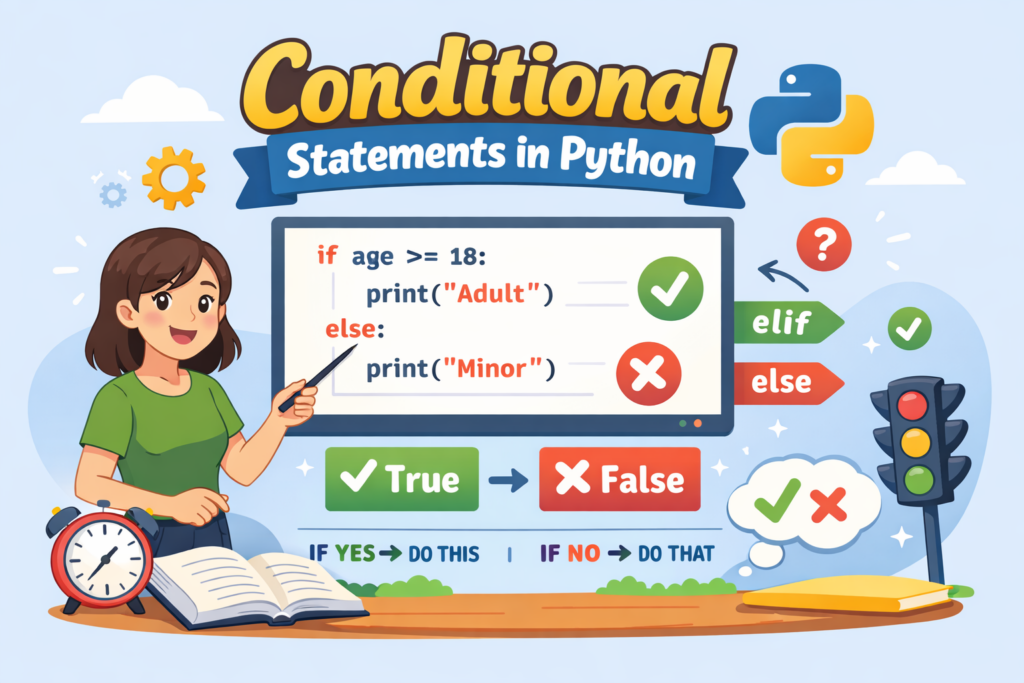
🔹 Conditional Statements in Python
This is where your program stops being dumb and starts making decisions.
What Are Conditional Statements in Python?
Conditional statements allow your program to execute code based on a condition.
In simple words:
“If this is true, do this. Otherwise, do something else.”
Python checking situation before reacting.
Unlike most of us.
Why Are Conditional Statements Important?
Without conditions:
- No login validation
- No grading system
- No game decisions
- No real logic
Your program would just run everything blindly.
And that’s not intelligence.
That’s chaos.
Types of Conditional Statements in Python
Python gives us:
- if
- if-else
- if-elif-else
- Nested if
Let’s break them one by one.
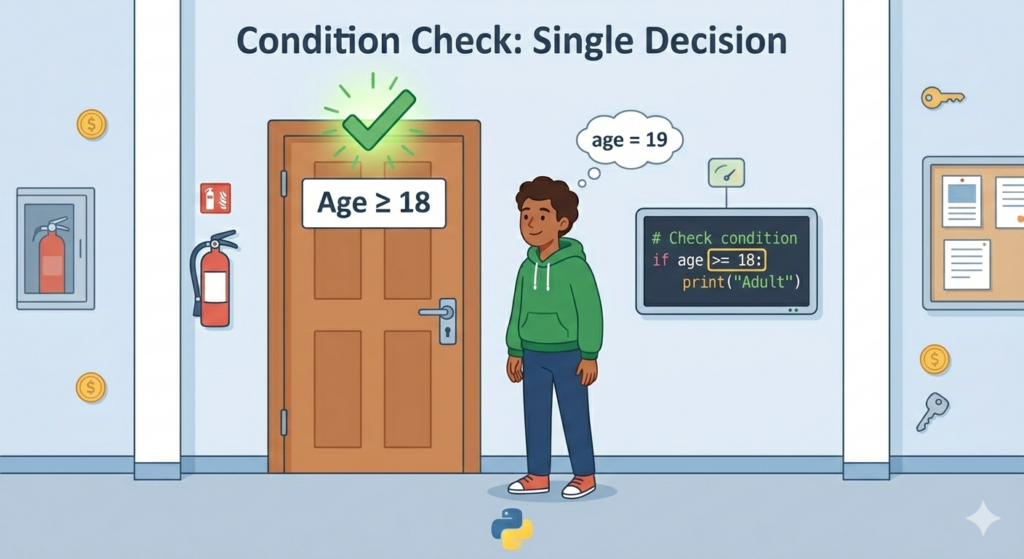
1️⃣ if Statement in Python
The most basic form.
age = 20if age >= 18:
    print("You are eligible to vote.")
If the condition is True → code runs.
If False → nothing happens.
Python doesn’t force drama.
It just moves on.
Real-Life Example
You get entry into a movie only if:
Age ≥ 18
Simple rule.
Simple condition.
⚠ Important:
Don’t forget the colon :
Python is strict about punctuation.
Miss it once and it will remind you loudly.
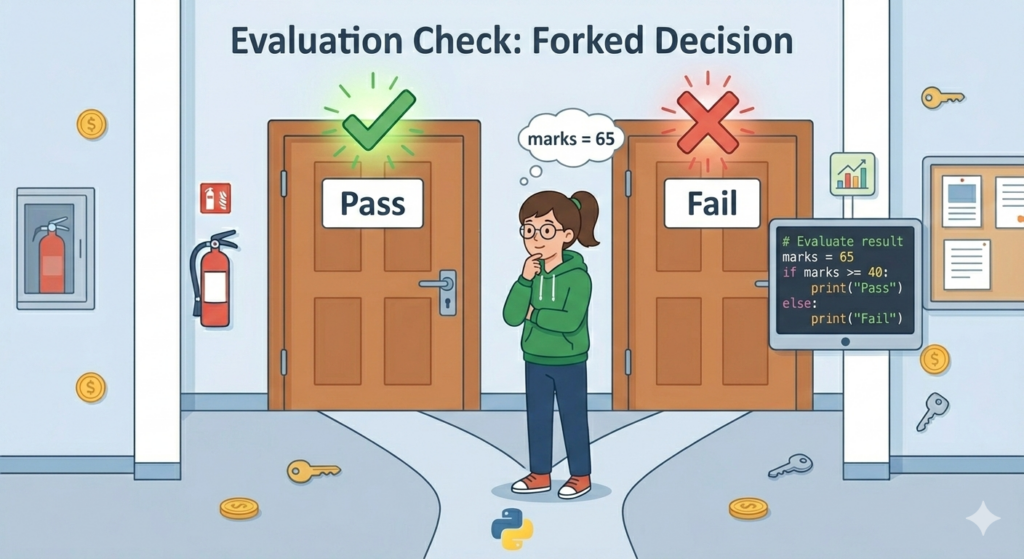
2️⃣ if-else Statement in Python
Now we handle two possibilities.
marks = 35if marks >= 40:
    print("Pass")
else:
    print("Fail")
If condition is True → first block runs
Otherwise → else block runs
No confusion.
No grey area.
Only truth.
Brutal but fair.
Real-Life Example
If it’s raining → carry umbrella
Else → go outside confidently
Weather doesn’t care about your outfit.
Conditions matter.
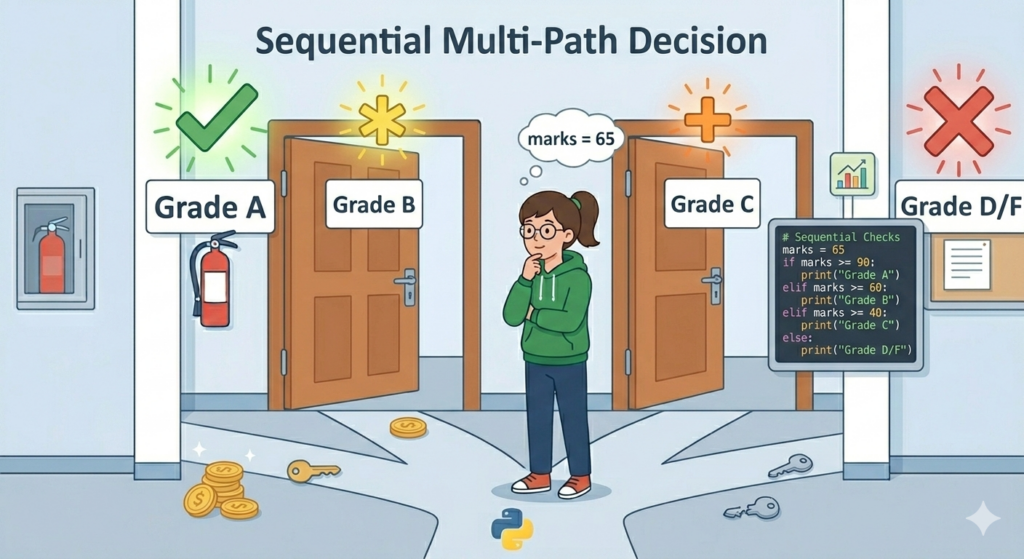
3️⃣ if-elif-else Statement in Python
Used when there are multiple conditions.
marks = 75if marks >= 90:
    print("Grade A")
elif marks >= 60:
    print("Grade B")
elif marks >= 40:
    print("Grade C")
else:
    print("Fail")
Python checks from top to bottom.
The first True condition runs.
The rest are ignored.
So order matters.
Very much.
Common Beginner Mistake 🚨
marks = 95if marks >= 40:
    print("Pass")
elif marks >= 90:
    print("Excellent")
This will never print “Excellent”.
Because 95 is already ≥ 40.
Put stricter conditions first.
Python is logical.
It’s not psychic.
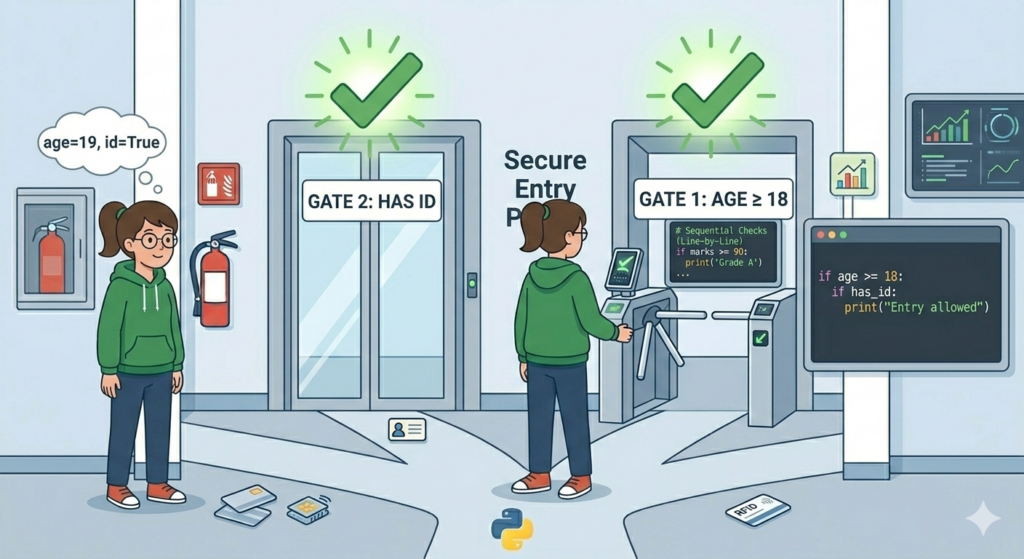
4️⃣ Nested if Statement in Python
An if inside another if.
Yes.
Inception.
age = 20
has_id = Trueif age >= 18:
    if has_id:
        print("Entry allowed")
First condition must pass.
Then second condition is checked.
Like security layers.
Using Logical Operators in Conditional Statements
You can combine conditions using:
- and
- or
- not
Example:
age = 22
has_ticket = Trueif age >= 18 and has_ticket:
    print("You can enter.")
Both must be True.
and is strict.
Like a strict principal.
Example using or:
is_student = True
is_senior = Falseif is_student or is_senior:
    print("Discount applied")
One condition is enough.
We like kind logic.
Indentation in Python (Very Important)
Python uses indentation to define code blocks.
Not curly brackets.
Not vibes.
This will cause error:
if number > 10:
print("Big")
Correct version:
if number > 10:
    print("Big")
Four spaces.
Respect them.
Source Links
Here are reliable references for deeper understanding:
- Official Python Documentation – https://docs.python.org/3/tutorial/controlflow.html
- W3Schools Python Conditions – https://www.w3schools.com/python/python_conditions.asp
- GeeksforGeeks Python If-Else Guide – https://www.geeksforgeeks.org/python-if-else/
Always verify from official docs if confused.
Not random comments under YouTube videos.
Frequently Asked Questions (FAQs)
What is a conditional statement?
A conditional statement allows your program to make decisions based on True or False conditions.
What is the difference between if and elif?
if starts the condition.elif checks another condition if previous ones fail.
Can we write multiple if statements?
Yes. But if they are related, if-elif-else is usually cleaner.
Clean code > messy logic.
Why is indentation important?
Because Python uses indentation to understand which code belongs inside a condition.
Wrong indentation = error.
No negotiation.
Common Beginner Mistakes in Conditional Statements
❌ Forgetting the Colon
if age > 18
Add :
Always.
❌ Using = Instead of ==
if marks = 50:
That’s assignment.
You need comparison:
if marks == 50:
Big difference.
Very big.
❌ Overcomplicating Conditions
Beginner brain:
“Let’s add five conditions.”
Reality:
One was enough.
Keep logic simple.
Future you will thank you.
Final Thoughts
Conditional statements are the backbone of logic in Python.
If you understand:
- if
- else
- elif
- logical operators
- indentation
You’re no longer just writing code.
You’re building decision-making systems.
That’s real programming.